Ticketing that fits the work
Move requests through configurable workflow lanes. Keep priorities, ownership, customers, due dates, comments, attachments, time, and activity together.

Connected service and work management
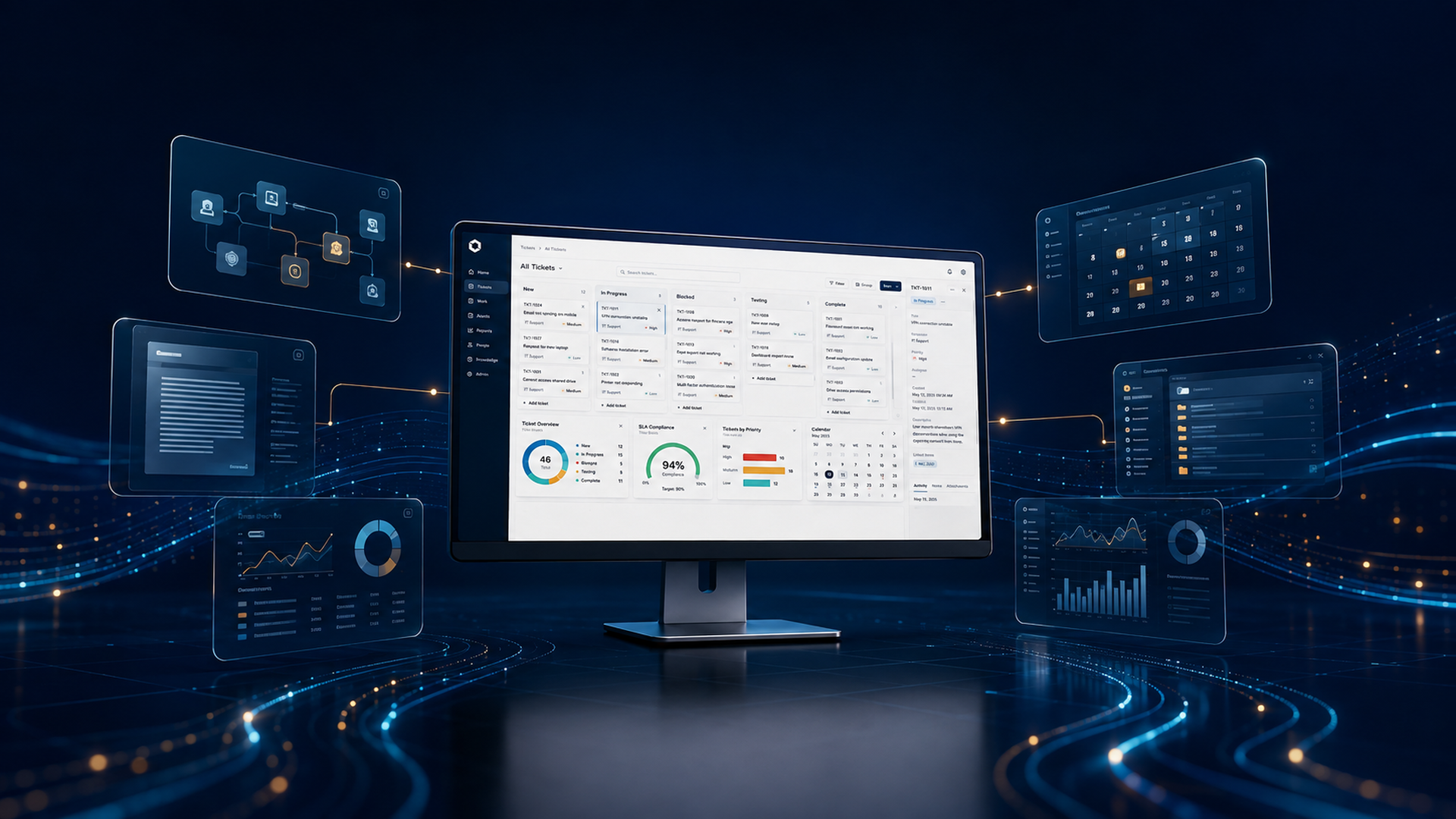
UnityDesk connects ticketing, projects, customers, knowledge, controlled documents, calendars, recorded time, and reports in one dependable workspace.
Product film
Watch the seven-minute product overview, then open the safe demonstration and explore UnityDesk yourself.
The video describes implemented UnityDesk workflows. Presentation screens are representative and may differ slightly from the current interface. Visit MarKar Innovations on YouTube.
The complete work story
Move requests through configurable workflow lanes. Keep priorities, ownership, customers, due dates, comments, attachments, time, and activity together.
Rank backlogs, prepare sprints, connect milestones to the calendar, and understand how service work contributes to larger delivery commitments.
Build a searchable company wiki while governing formal policies, reviews, approvals, versions, effective dates, and acknowledgments.
Give individuals a focused My Work view, managers a governed team view, and authorized leaders an organization-wide operational picture.
Flexible ticket operations
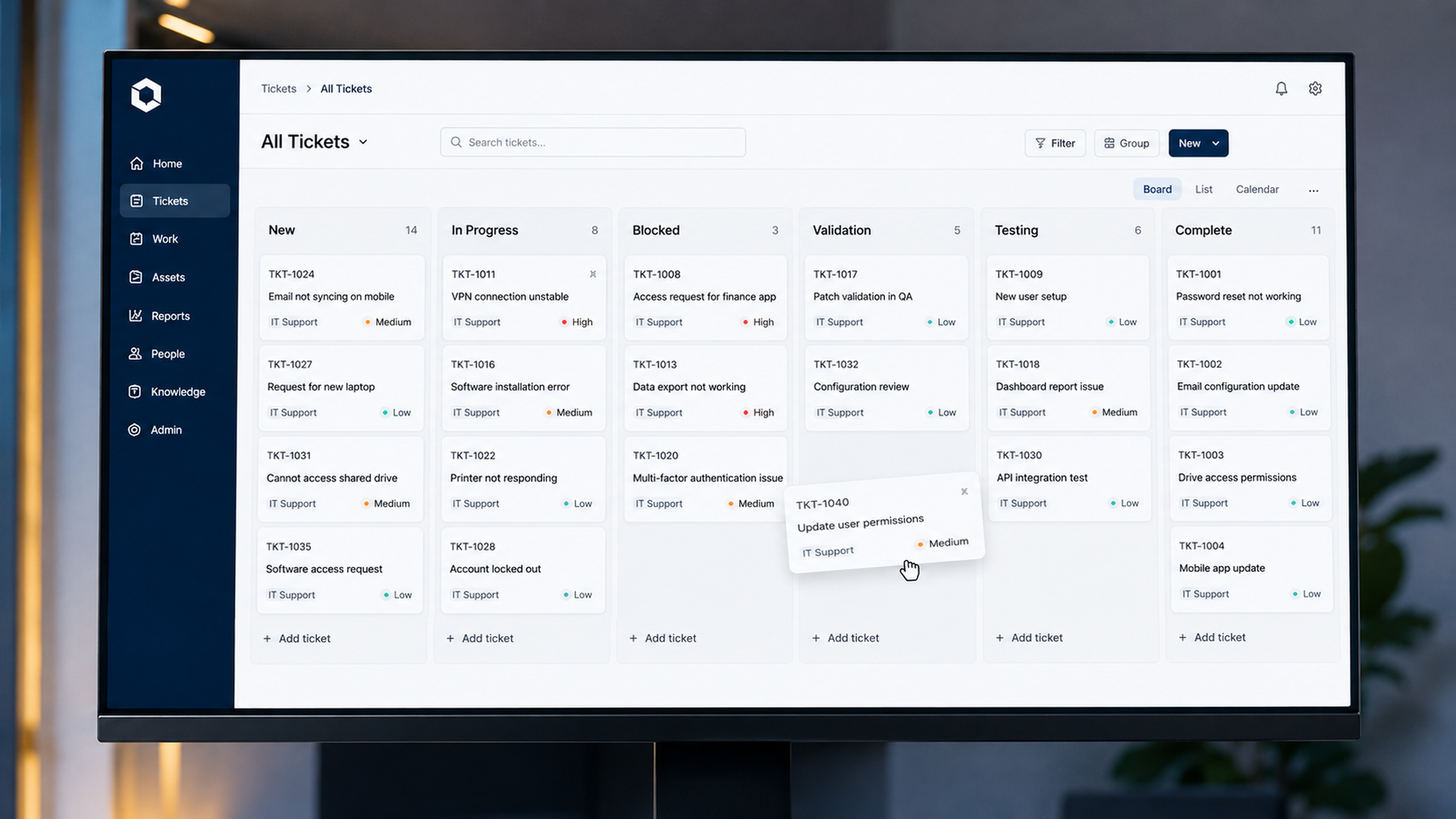
Start with practical workflow lanes such as New, In Progress, Blocked, Validation, Testing, and Complete. Add or reorganize lanes as the team changes.
Knowledge that remains useful
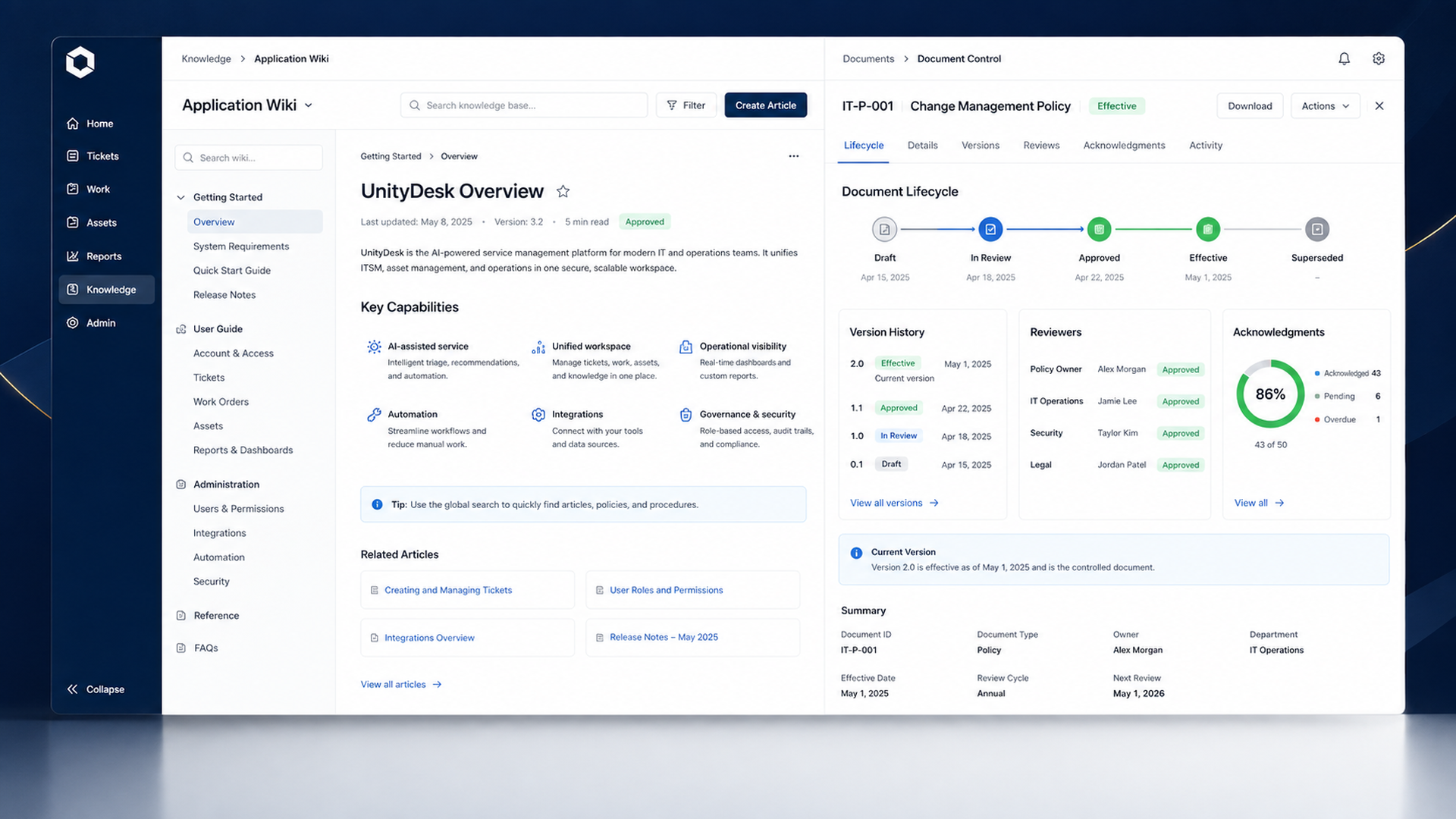
Teams can document applications and publish searchable guidance while formal records follow controlled review, approval, version, and acknowledgment steps.
Review the UnityDesk project plan ↗Operational clarity
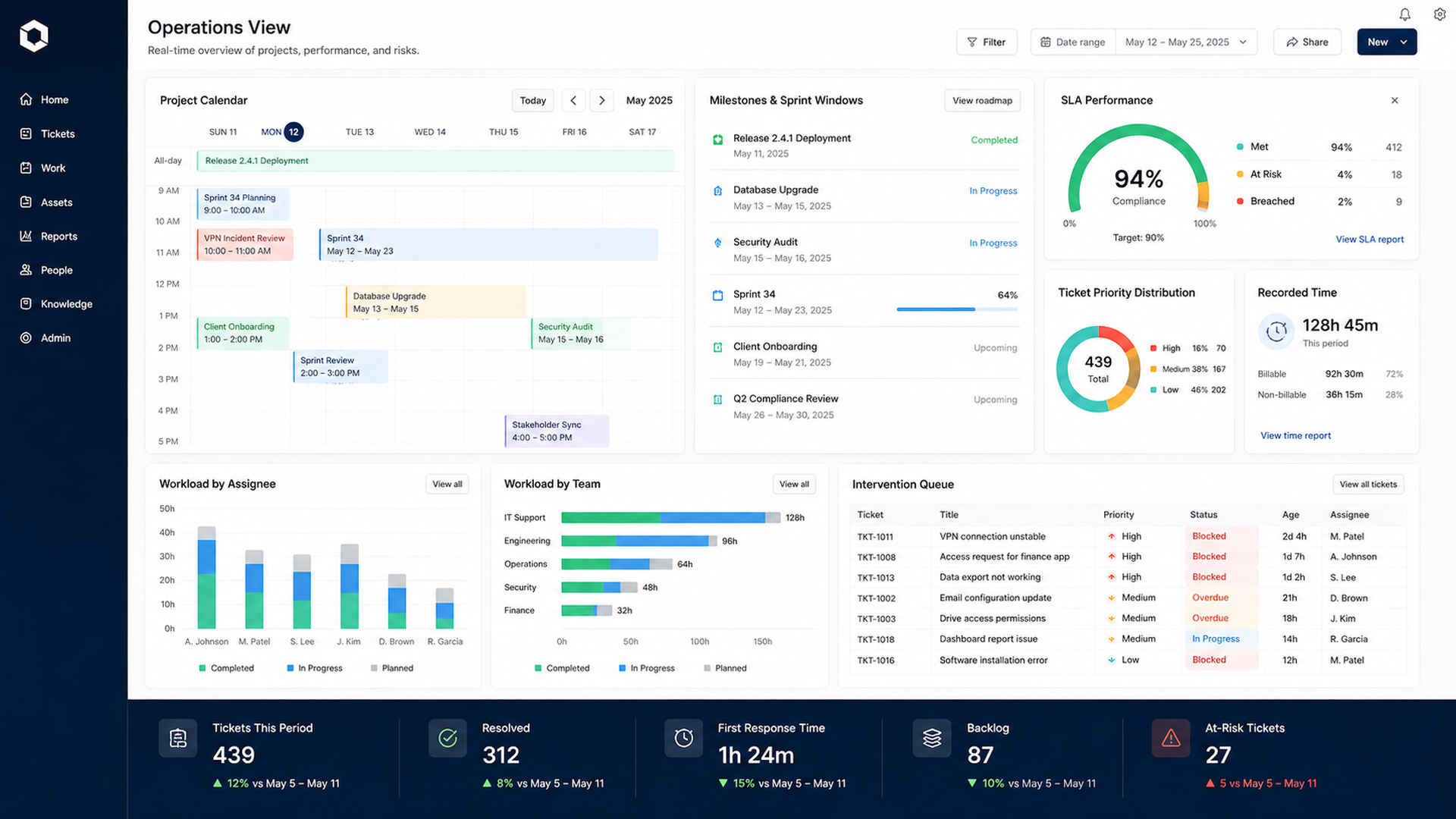
Calendars, workload measures, recorded time, service commitments, and intervention queues help managers act with current information.
MarKar Innovations
Try the interactive product demonstration or contact us to discuss UnityDesk for your organization.